OpenCode
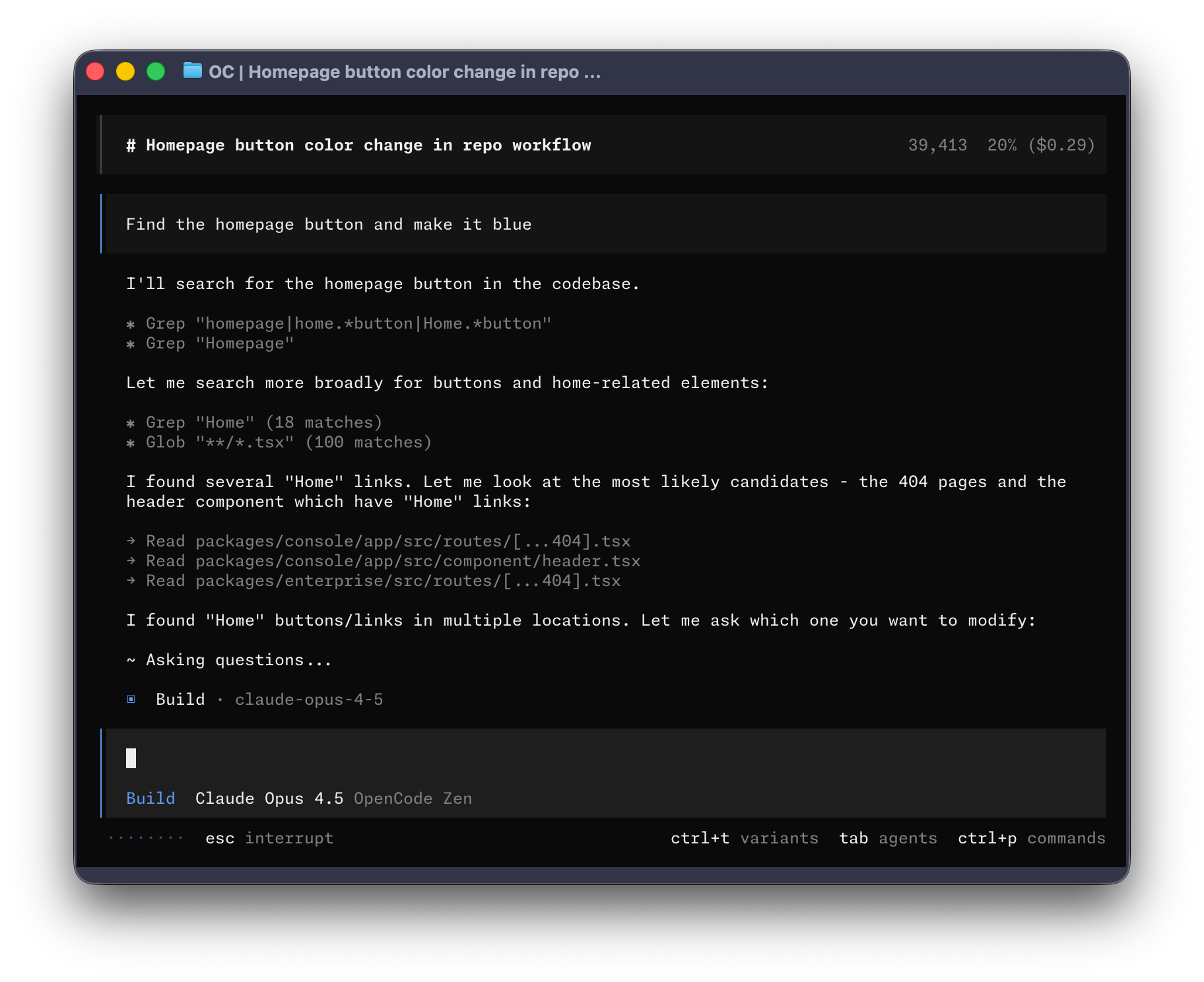
Figure 1: OpenCode in Action
Setup Gemini when you have Google AI Plus/Ultra subscription
Note: you don't get Gemini API keys with your Google AI subscription but you do get more usage credits when you use Gemini CLI and Antigravity.
But you use this OpenCode plugin to use you subscription: jenslys/opencode-gemini-auth: Gemini auth plugin for opencode
Setup Docker MCP
Verify MCP - OpenCode
use opencode run ... instead of the command use in the instructions
Ollama Support
Seems like you can setup OpenCode to use Ollama: OpenCode - Ollama
Simple as ollama launch opencode and then you pick the models you want.
You may need to increase the ollama context window size since OpenCode needs that:
Context length - Ollama
This can be added to /usr/lib/systemd/system/ollama.service as an Environment entry
You'll need to run systemctl daemon-reload to apply the changes